
Util Monster
English

Code. Photos. Ideas.Simply yours.

Edit a file, browse your photos, put an idea in order.
Thoughtful Mac apps for the things you do every day.

Actual FastEdit window showing a sample project folder and Swift code. Actual FastView window with photo folders, a large preview, a filmstrip and camera information. Actual MindEdit window organizing ideas in a tree of horizontal columns.

Find the app for your next task.

Three independent Mac apps. Each with a job of its own.

FastEdit

From a quick fix
to the last byte.

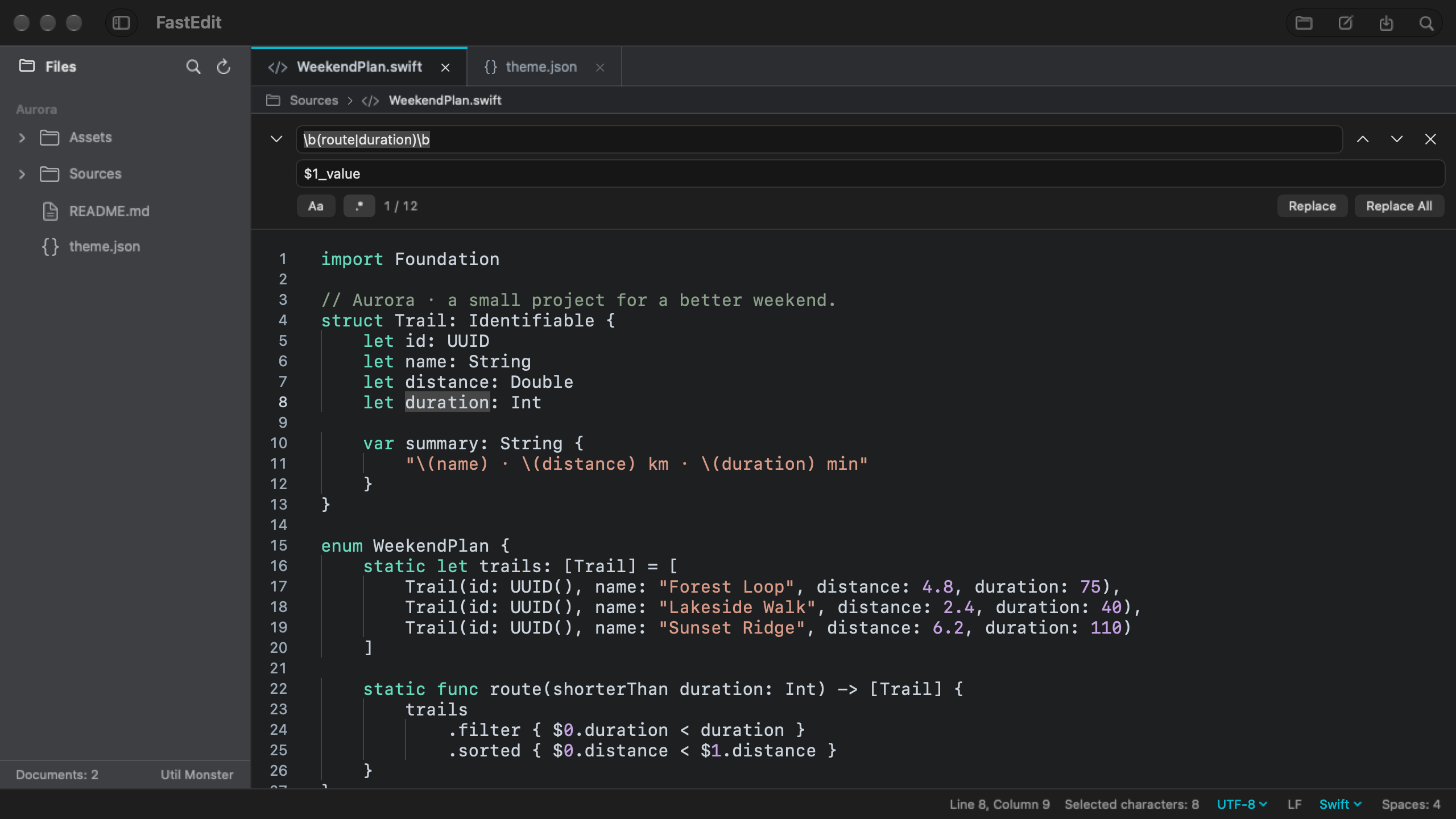
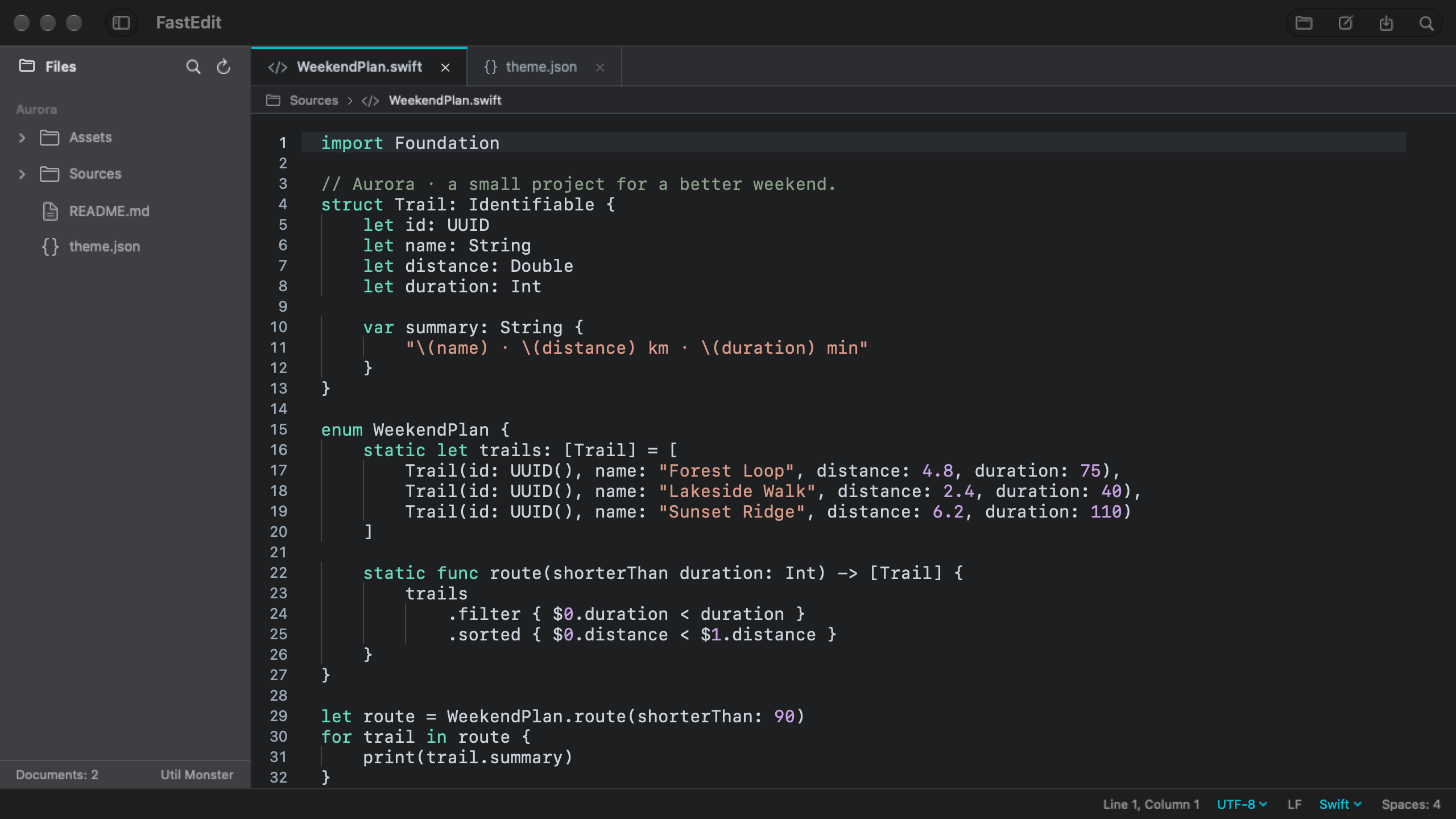
Change a line in a configuration file or work through code and text. Open the HEX editor when you need to inspect and edit the bytes underneath.

  • Code, text and HEX editing
  • Regular expression find and replace
  • Work with local files
FastEdit · Explore the app

Preparing for first release

Actual FastEdit window showing a sample project folder and Swift code.

FastView

Open a folder.
Find your favorites.

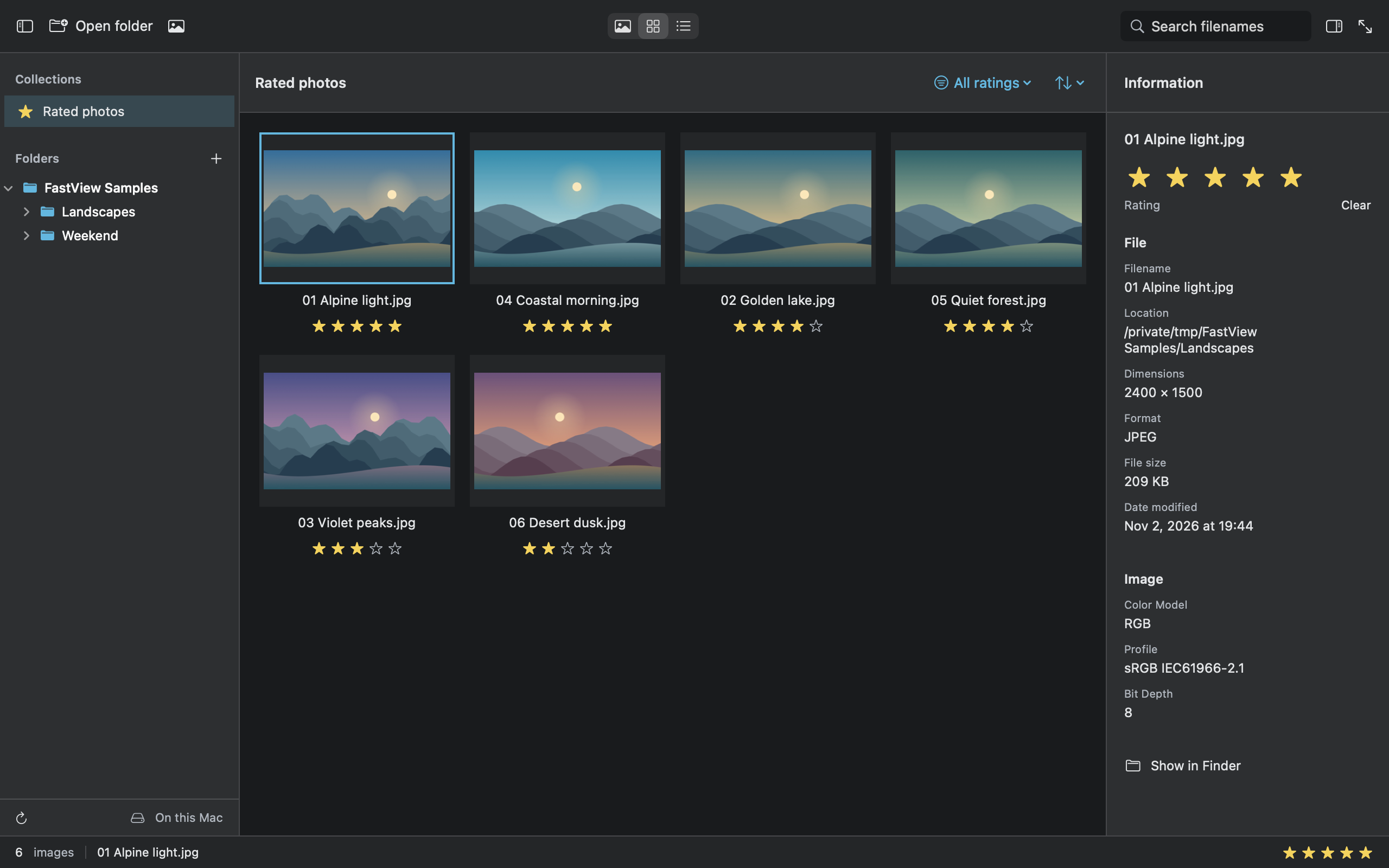
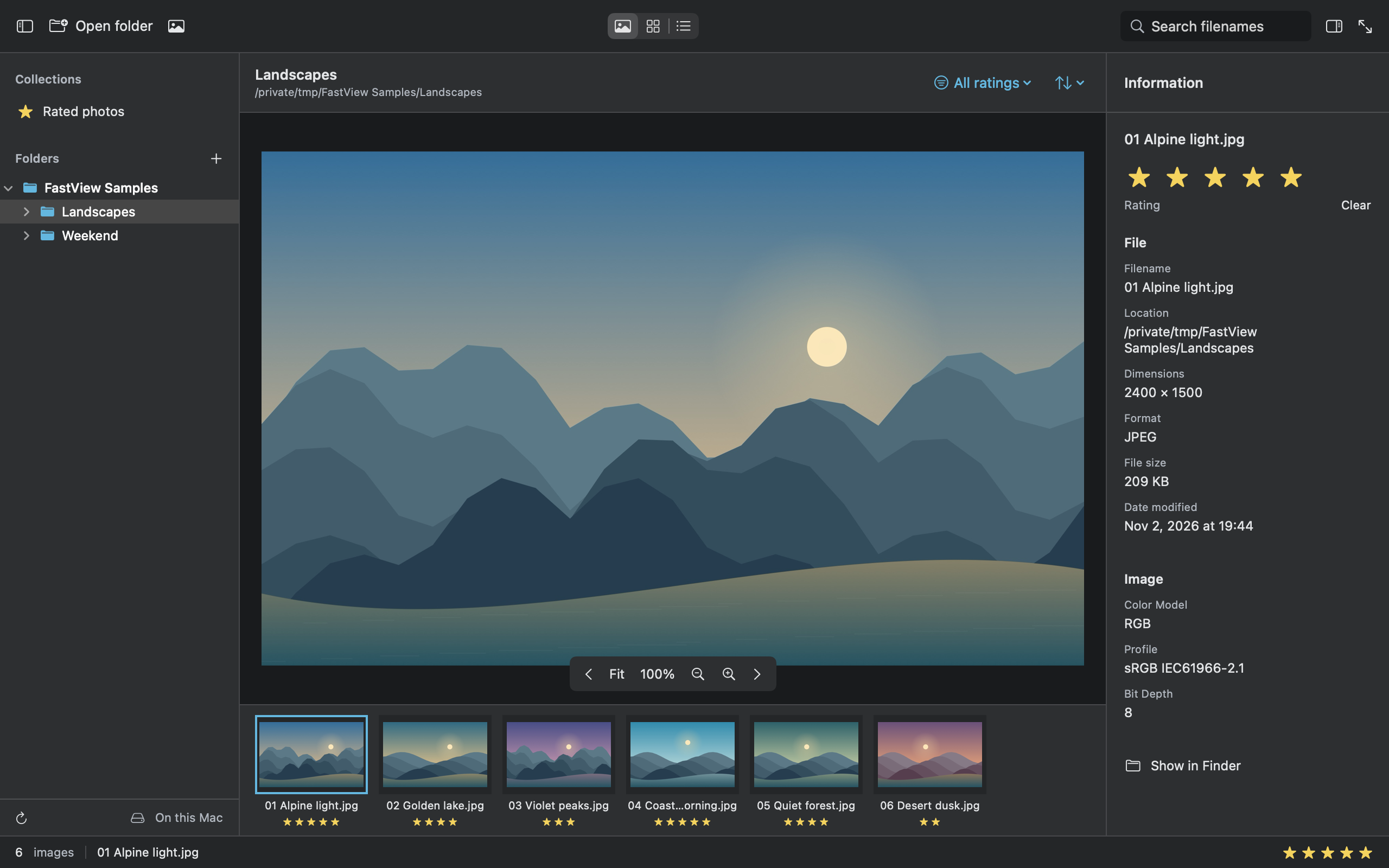
See your photos at a comfortable size and give your favorite shots a star rating. Check the camera details, or switch to fullscreen for a closer look.

  • Photo previews and fullscreen
  • Browse by star rating
  • EXIF camera details
FastView · Explore the app

Preparing for first release

Actual FastView window with photo folders, a large preview, a filmstrip and camera information.

MindEdit

Start with a note.
Let the ideas branch.

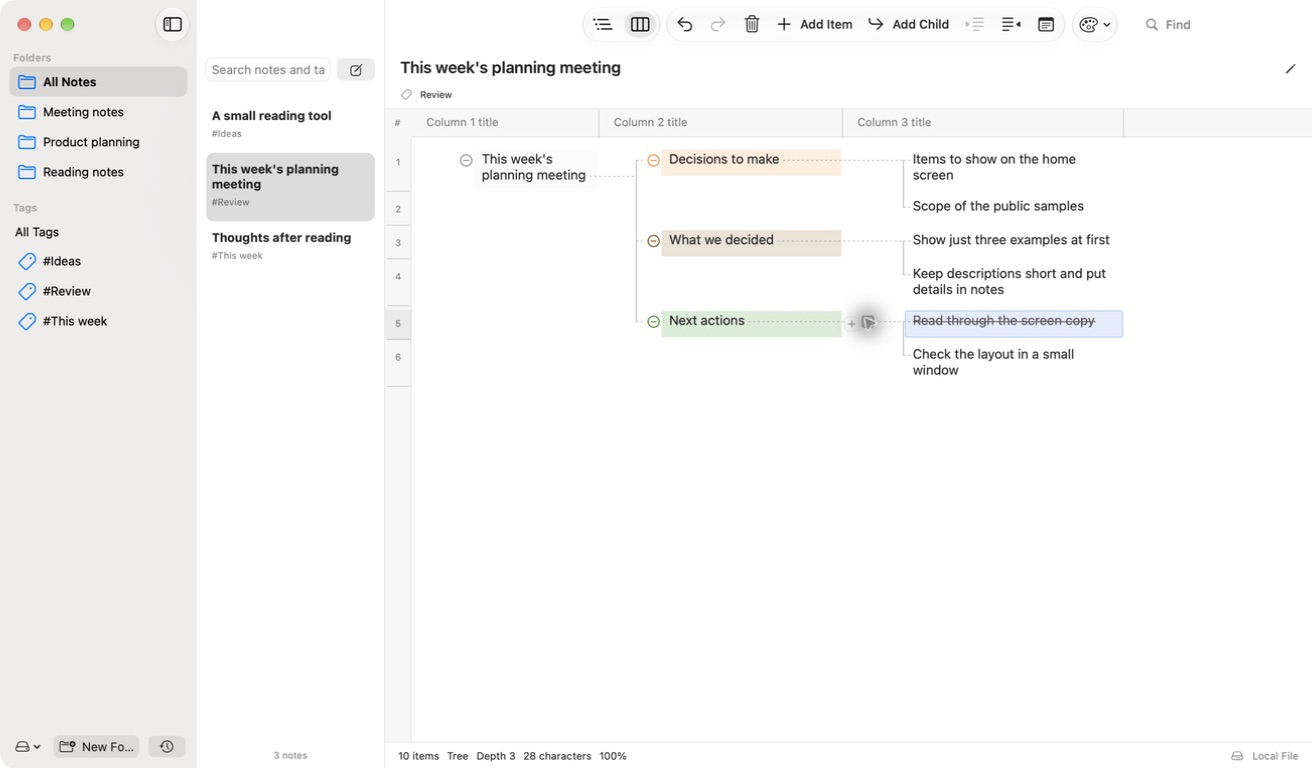
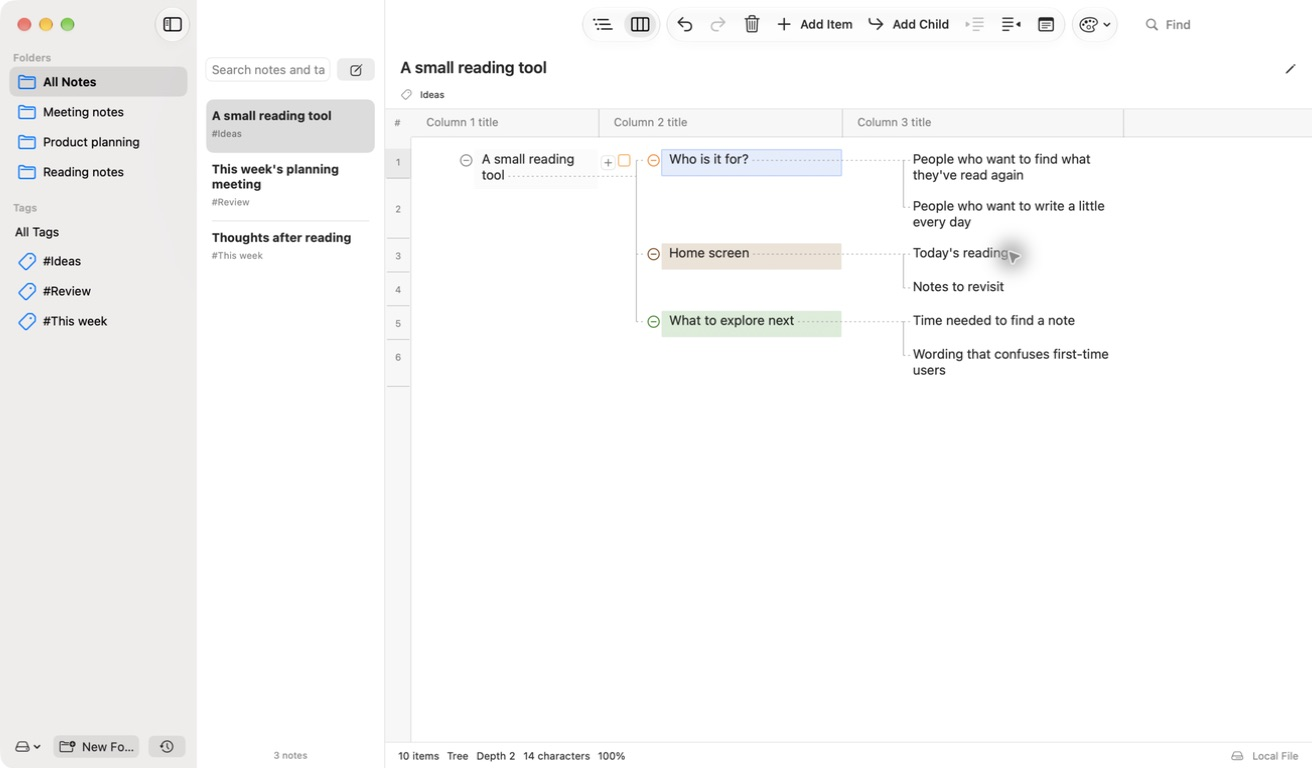
Write a thought, then group related ideas beneath it. Move between a tree of horizontal columns and an outline as your notes take shape.

  • Tree and outline views
  • Folders, tags and inline notes
  • OPML and Markdown outline import/export
MindEdit · Explore the app

Preparing for first release

Actual MindEdit window organizing ideas in a tree of horizontal columns.

Whatever is next,keep it simple.

Choose the tool for what you want to do today.