From a folder to the photo you want.
Use the folder tree, preview, thumbnail grid, or list. Search by filename or change the sort order to find your way through.
A simple Mac viewer for browsing and picking local photos. Open a folder to see a large preview with thumbnails close at hand.
Explore the appFirst release coming soon
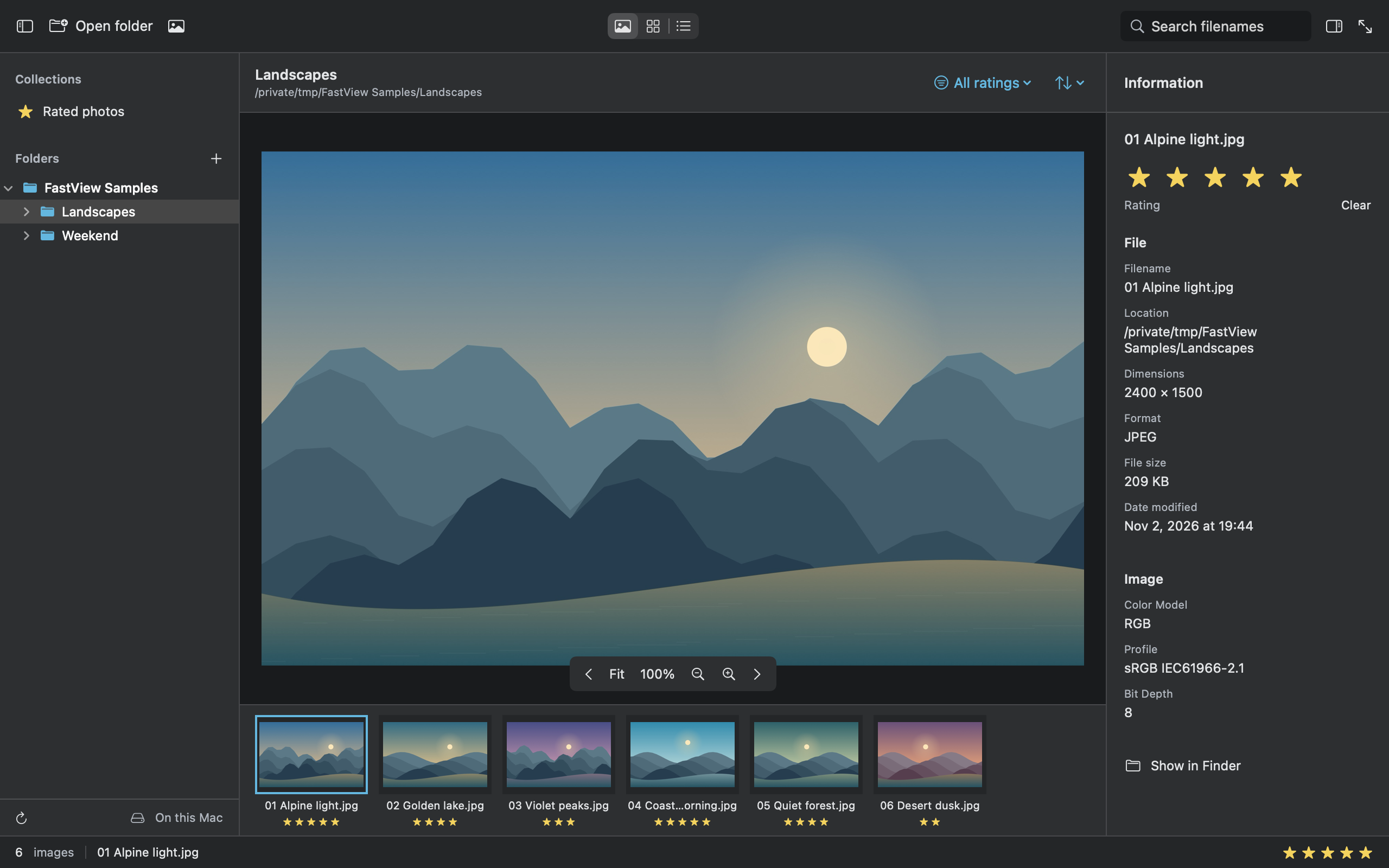
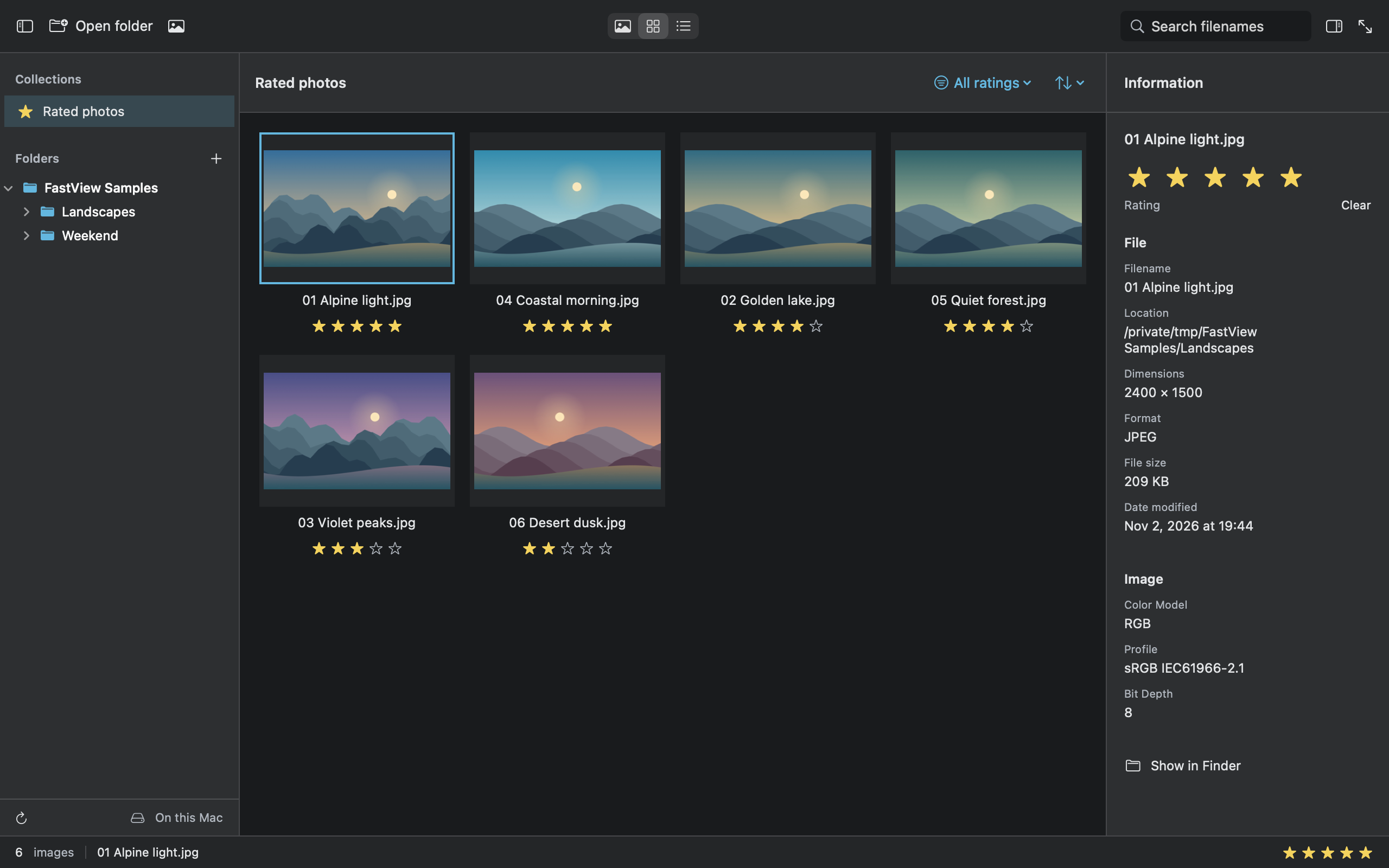

Look through photos across folders. Rate the ones you want to keep track of, then revisit rated photos in one collection.
Use the folder tree, preview, thumbnail grid, or list. Search by filename or change the sort order to find your way through.
Rate photos from 0 to 5 and filter by minimum rating. Ratings stay inside the app; they are never written to the original photo or its EXIF/XMP metadata.
Open selected local photos in read-only mode. No account, advertising, analytics, or photo uploads. Original files remain unchanged.
Use Left and Right to browse in full screen. Controls hide after two seconds of inactivity and return when you move the pointer or change photos. Press Esc to go back.
See full screen
Read actual EXIF, camera and lens, exposure, GPS, and file information. FastView does not invent details that are missing from the photo.
Location and camera details appear only when the photo contains that metadata.
JPEG, PNG, TIFF, HEIC/HEIF, GIF, BMP, WebP, and AVIF are supported, depending on the macOS decoder. RAW is not supported; animated images show their first frame. Large photos use a reduced preview up to 8192 pixels per side and 24 megapixels. 100% refers to preview pixels.
The first release is in preparation and is not available to download yet. This page will be updated when it is public.
English, Korean, Japanese, Simplified Chinese, and Traditional Chinese are supported. FastView follows your Mac language, with English as the fallback. It uses a fixed Graphite theme and has no separate language or theme selector.
FastView is made by Util Monster. For questions or feedback, email help@util.monster

FastView for Mac. First release coming soon.
Explore the app