Open a file.Make it yours.

A focused code, text, and HEX editor for Mac. Open a local file, make your changes, and get back to work.

Explore the app

Free release coming soon

FastEdit for macOS
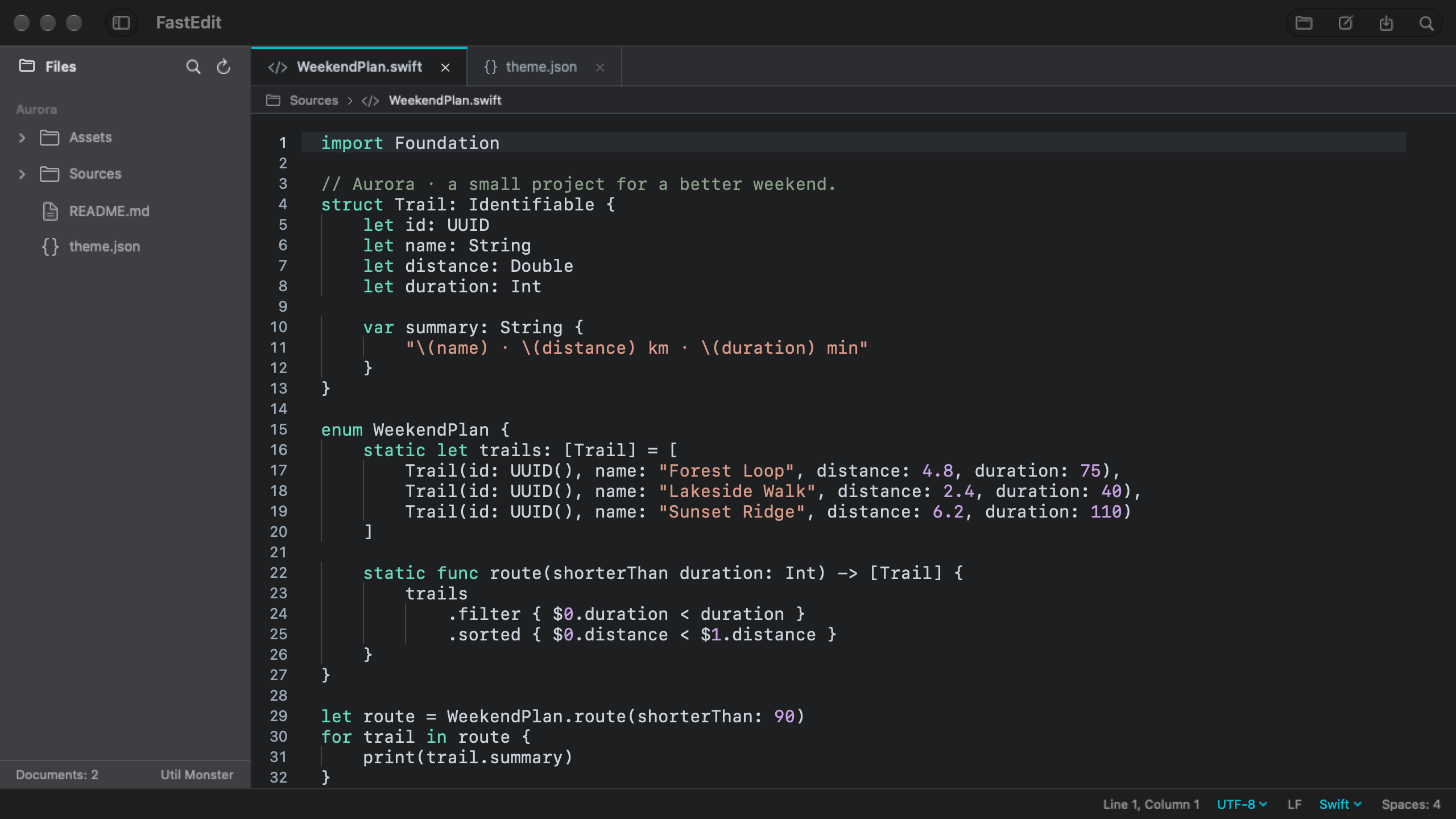
FastEdit showing the Aurora sample project, file sidebar, and Swift source code.
Your files, folders, and open documents. All in one view.Actual app screens. Aurora is a sample project.
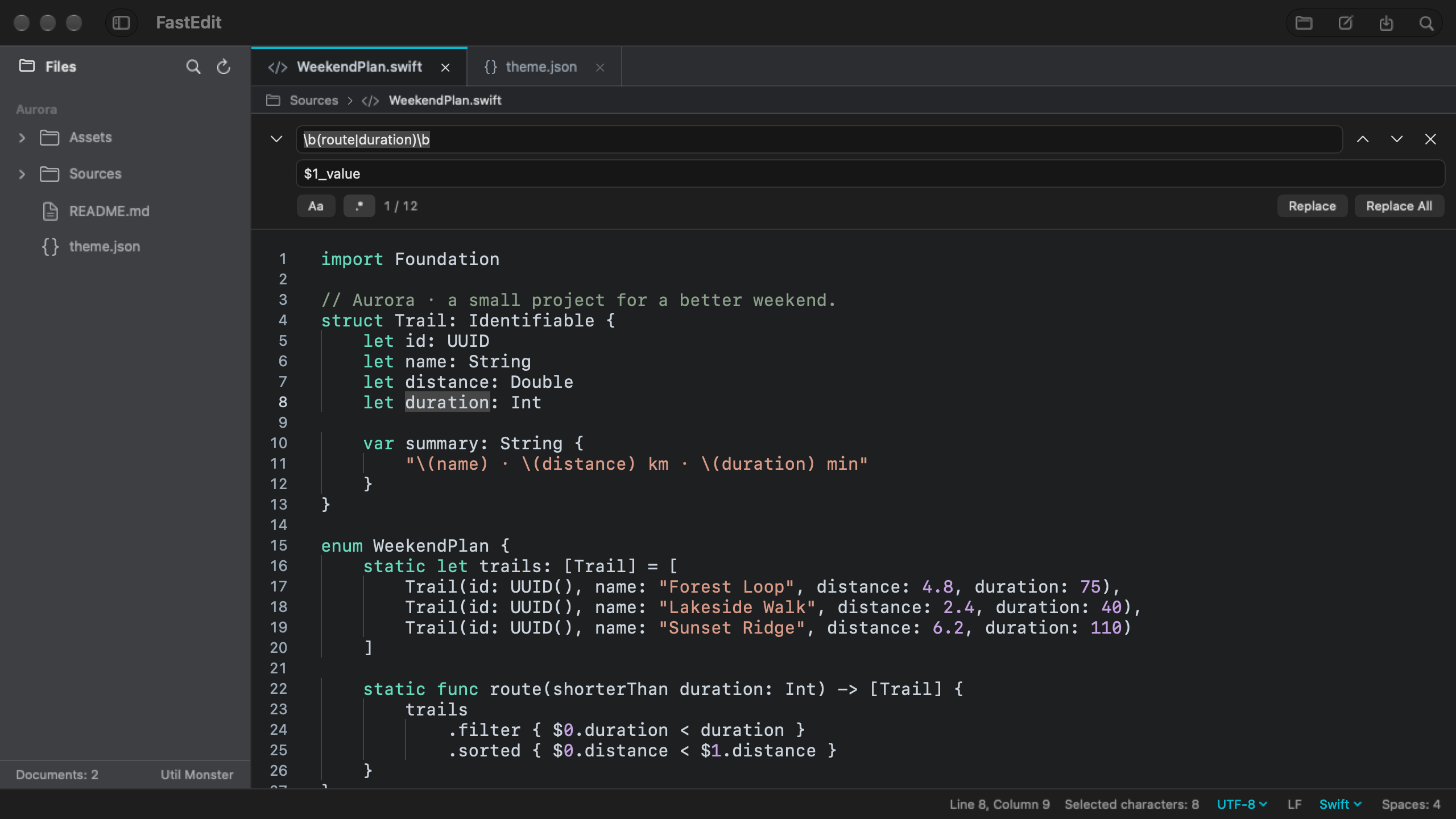
FastEdit showing a regular expression search and capture group replacement in a Swift file.
Find a pattern. Reuse the parts you need when replacing it.Actual app screens. Aurora is a sample project.
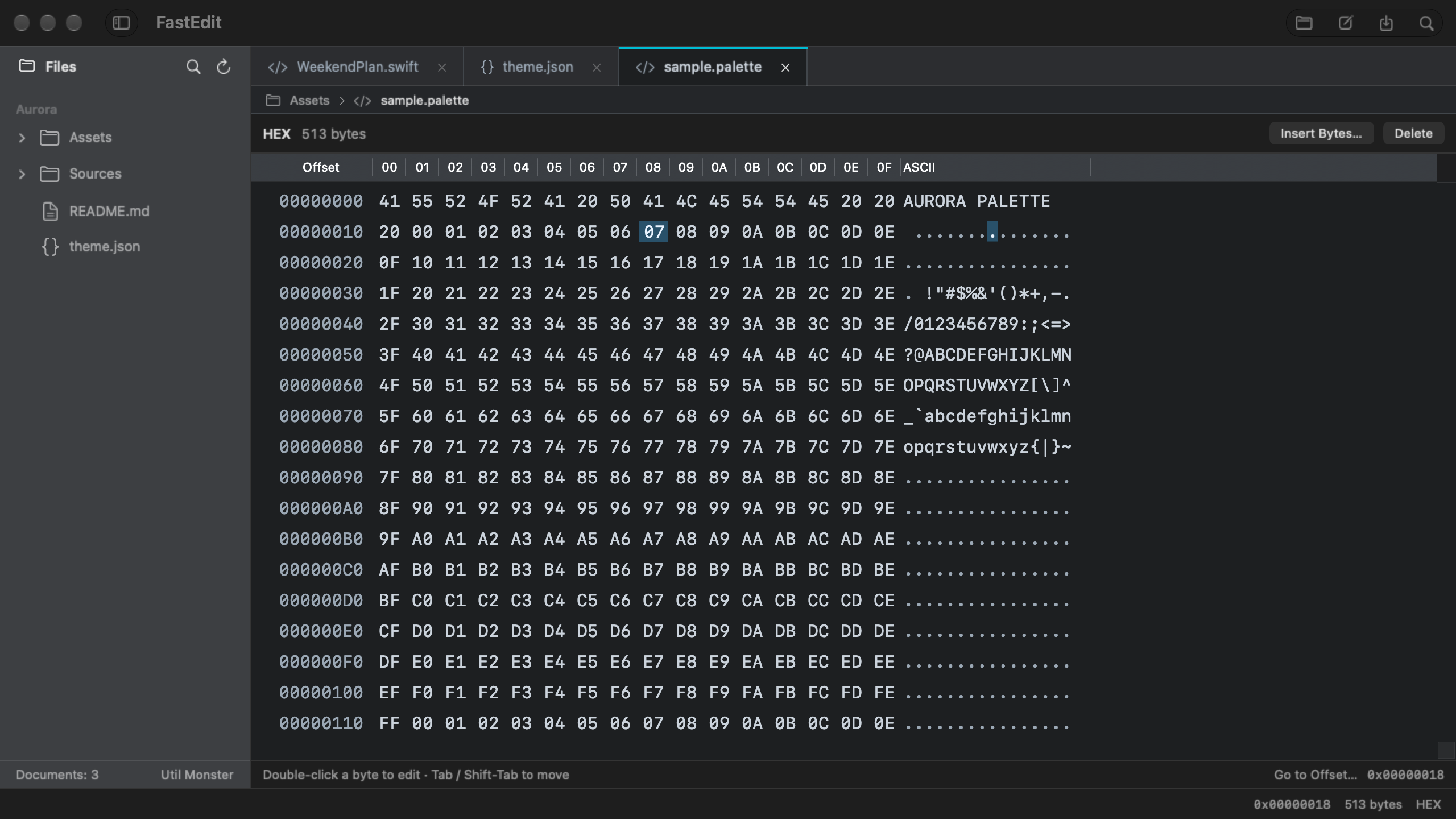
FastEdit showing the Aurora sample palette file as hexadecimal bytes and ASCII.
Inspect bytes, edit values, and jump to an offset.Actual app screens. Aurora is a sample project.
macOS 14 or later · Apple Silicon & IntelUtil Monster

The everyday edits.A little easier.

A configuration file to adjust. Some text to clean up. A pattern to replace. Keep the tools you need close to the file.

Make room for your preferences.

Choose a theme, font, and syntax palette that make your files comfortable to read.

Your files stay on your Mac.

Work with local files. No account, advertising, or analytics SDK.

Look a littlecloser.

Text is only one way to read a file. Open the HEX editor to inspect and edit bytes, insert or delete data, and move to a specific offset.

See the HEX screen
FastEdit showing the Aurora sample palette file as hexadecimal bytes and ASCII.

Big file? Take it a section at a time.

Files over 16 MiB are handled in sections. Text sections are 256 KiB, and search works within the section currently loaded.

This is section-based editing, not a search across the entire large file.

Before you open it.

Which Macs can run FastEdit?

FastEdit requires macOS 14 or later and supports both Apple Silicon and Intel Macs.

Is FastEdit free?

Version 1.0 is free. The first release is awaiting App Store review, so it is not available to download yet.

Which languages does it support?

English, Korean, Japanese, Simplified Chinese, and Traditional Chinese. The app follows your system language and uses English as its default.

Where can I get help?

FastEdit is made by Util Monster. For questions or feedback, email help@util.monster

A small place for your next edit.

FastEdit for Mac. Free version 1.0 is on its way.

Explore the app