
Write a note Build a tree
Start with one line. Group related thoughts beneath it and expand them to the right.
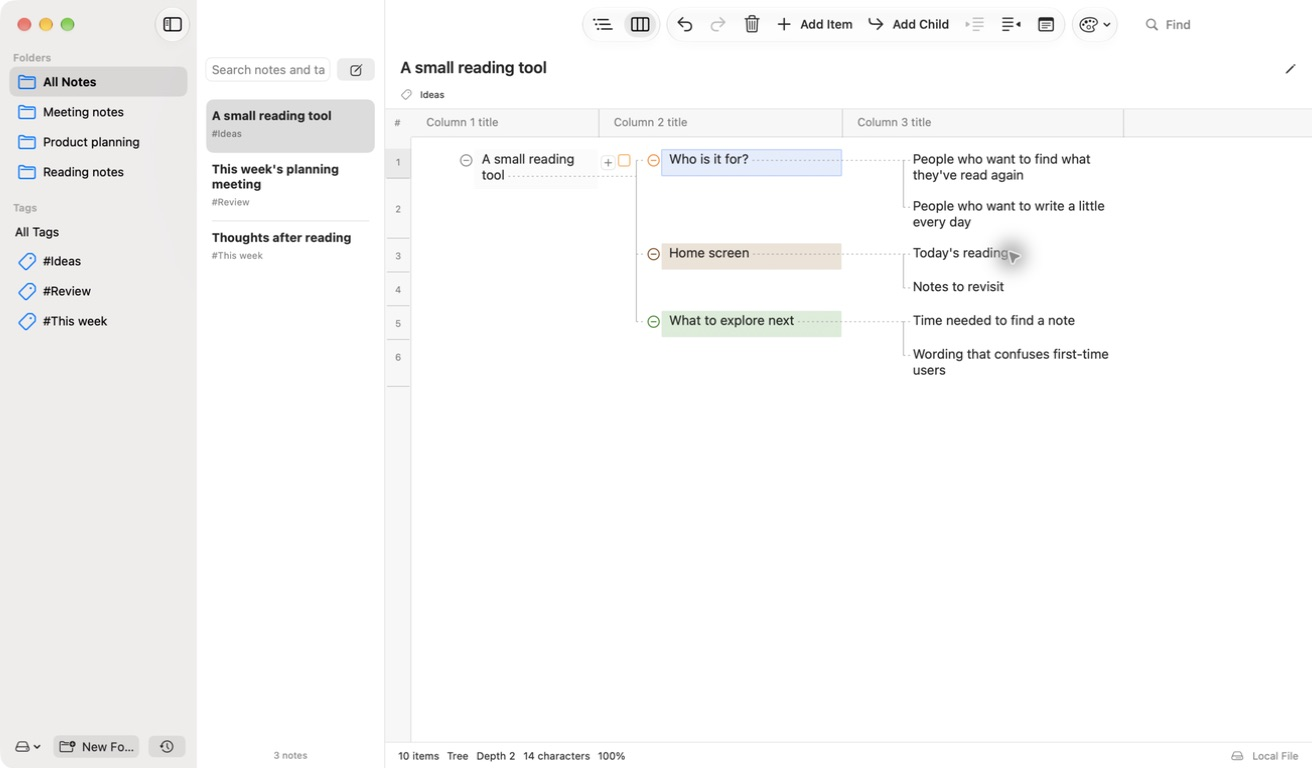
Expand thoughts to the right
Group thoughts under parent items and switch between a horizontal column tree and an outline.
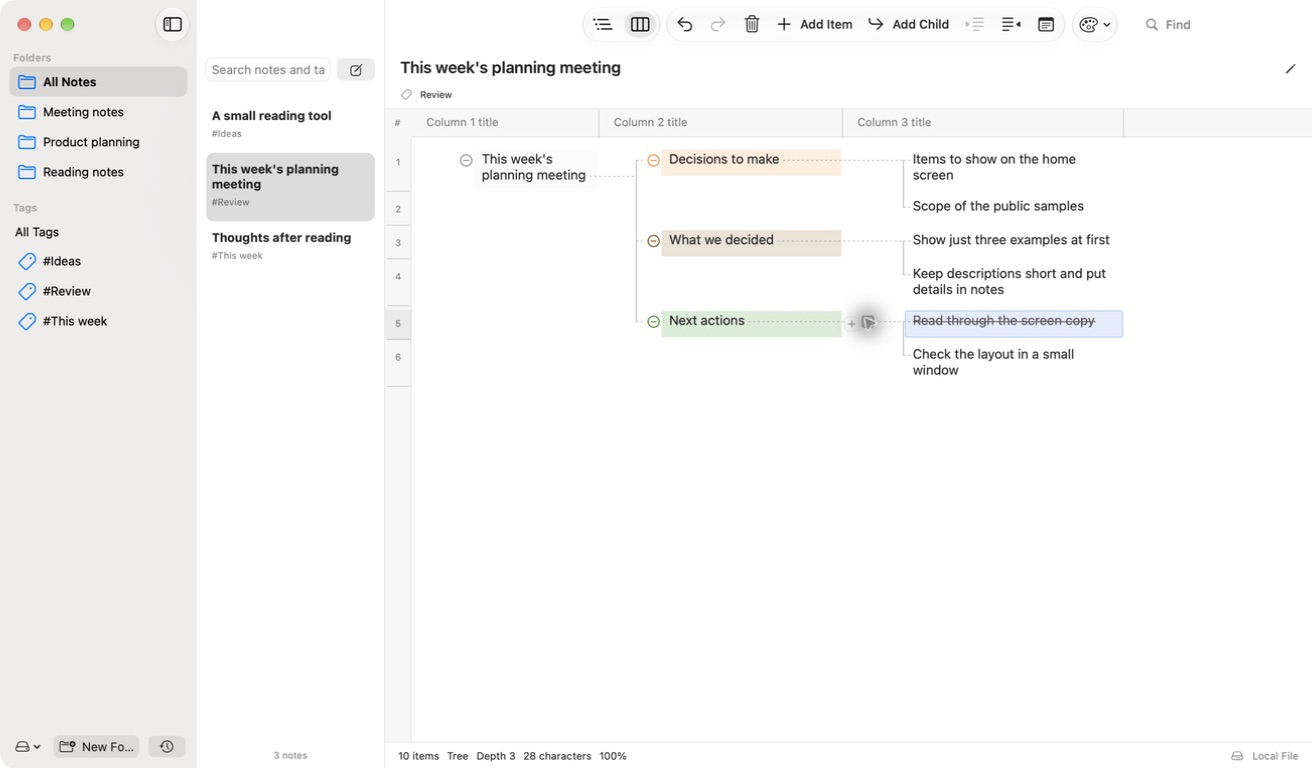
Make it comfortable to read
Adjust colors, fonts, numbering, themes, and zoom.
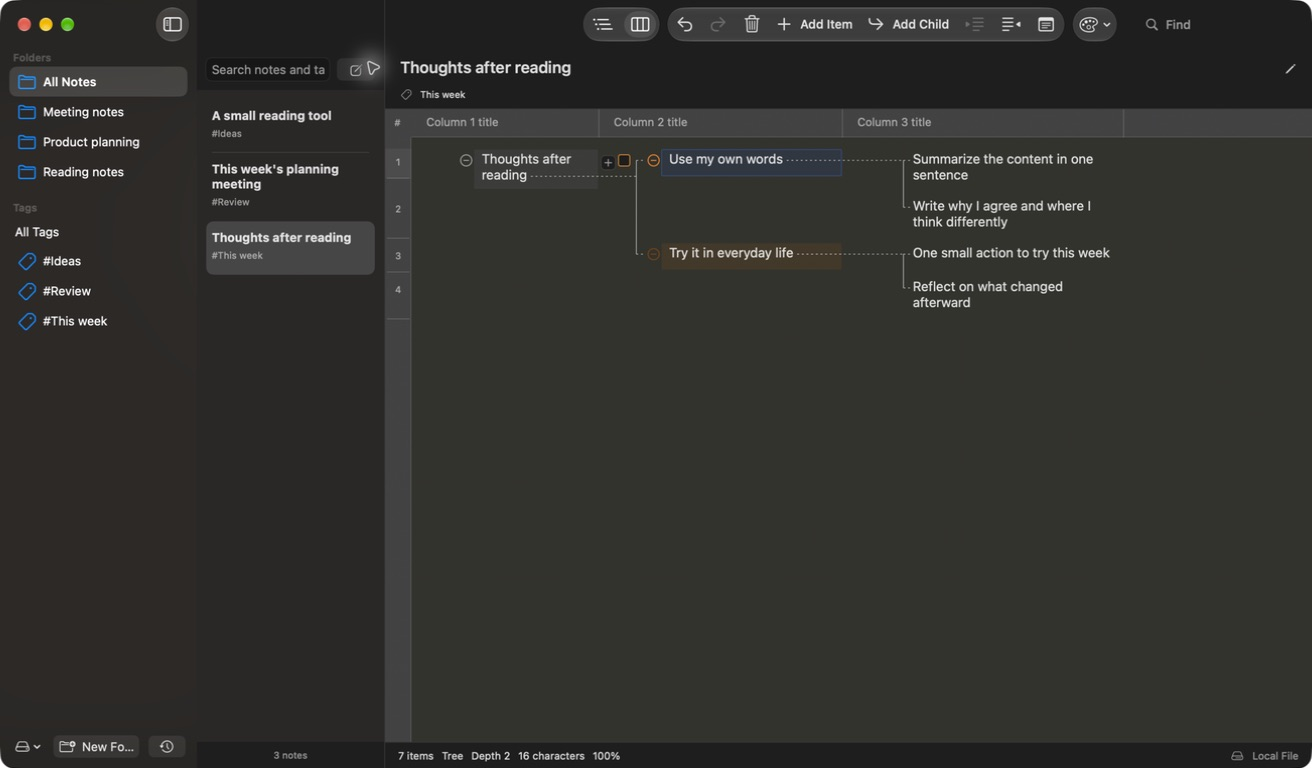
Open and export files
Open or export OPML and Markdown outlines, print, or save as PDF.
- Keyboard editing
- Move between items and change their structure.
- Note organization
- Find notes with folders, tags, and search; mark items as complete and add inline notes.
- Export
- Export as OPML, Markdown, or PDF, or print.
- Five languages
- Supports Korean, English, Japanese, and Simplified and Traditional Chinese.
Frequently asked questions
Can I download it now?
It’s still under review and isn’t available to download yet.
Do I need an account, and where are notes saved?
No separate MindEdit account is needed. Save to a local Mac folder or an iCloud Drive folder you choose.
Which file formats are supported?
Open and export OPML and Markdown outlines. Printing and PDF export are also supported.
Which Macs are supported, and will it be free?
Requires macOS 14 or later, with a free release planned.
Have a question?
Email help@util.monster.